Using OBDSTAR X300 DP PLUS or X300 PRO4 for 2018- Nissan Kicks Proximity/Blade Checking 22-Digit Rolling Code
Remarks: Using OBDSTAR X300 DP Plus & X300 PRO4 one-click free pincode key programming.
Detail Steps, for example using X300 DP PLUS
①Connect Key Master DP Plus to a car, enter into【CAR IMMO】;
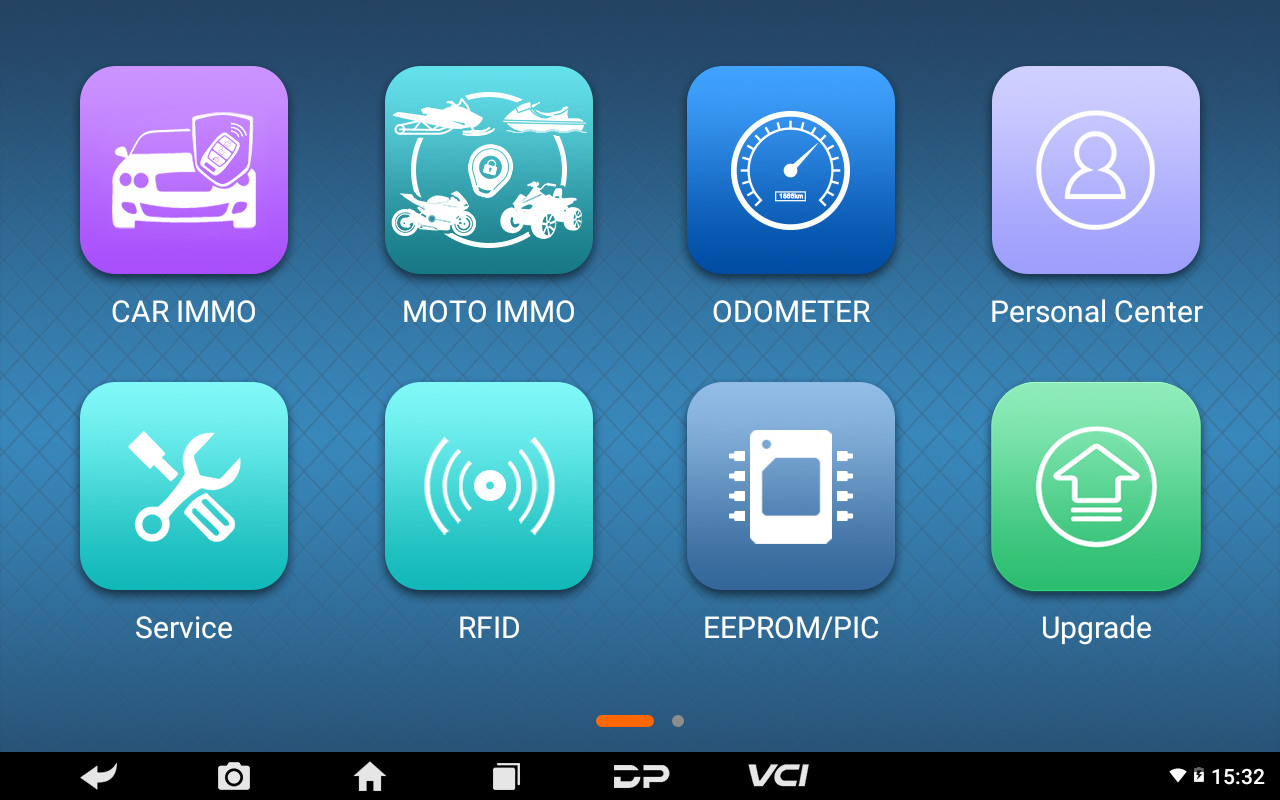
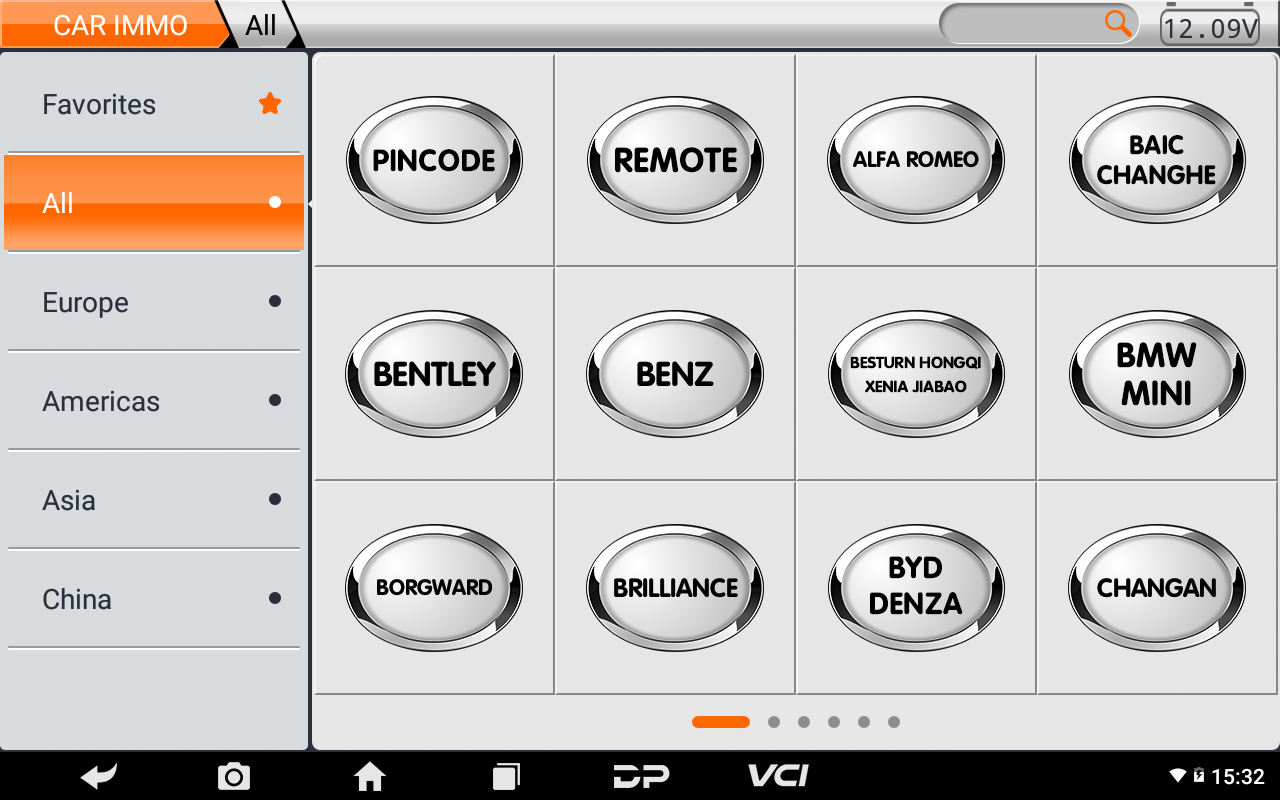
②Click【PINCODE】
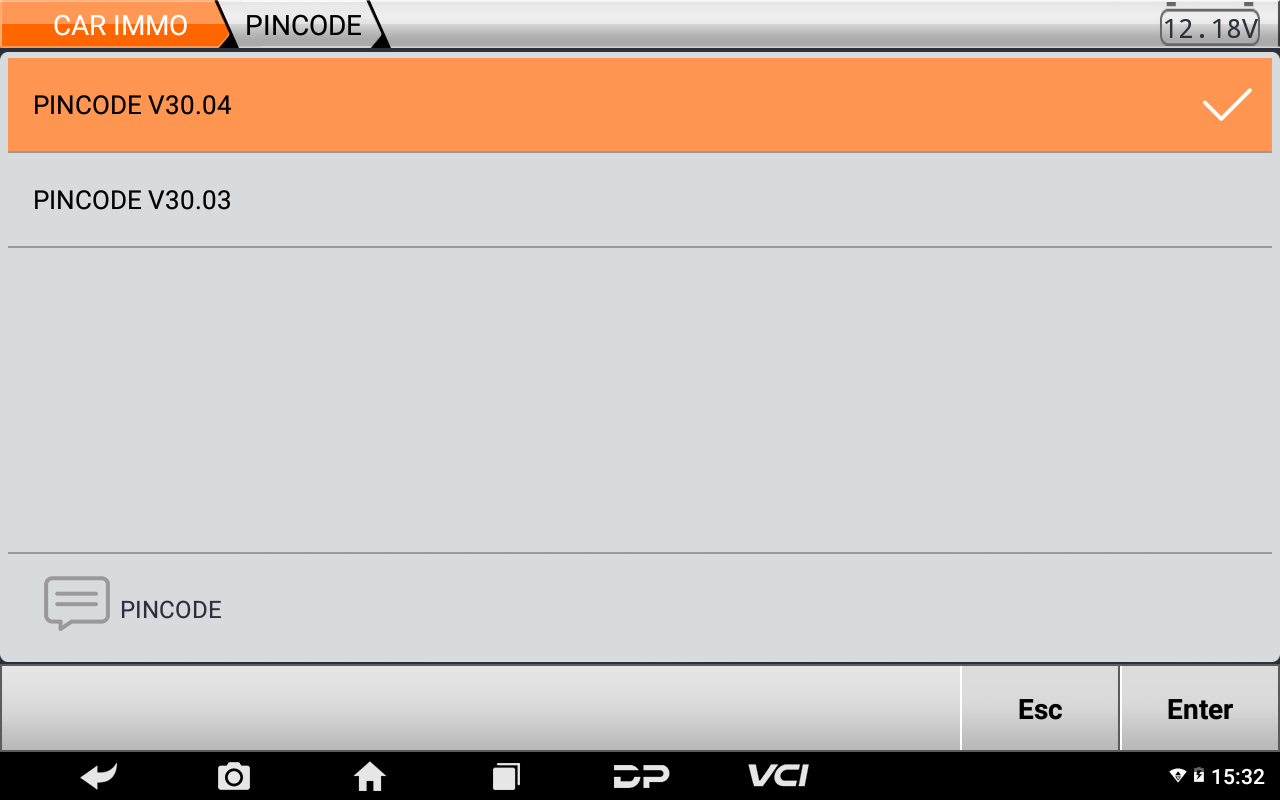
③Click the newest PINCODE edition;
④Click【NISSAN/INFINITI】, 【20 DIGIT PINCODE】, 【KICKS】;
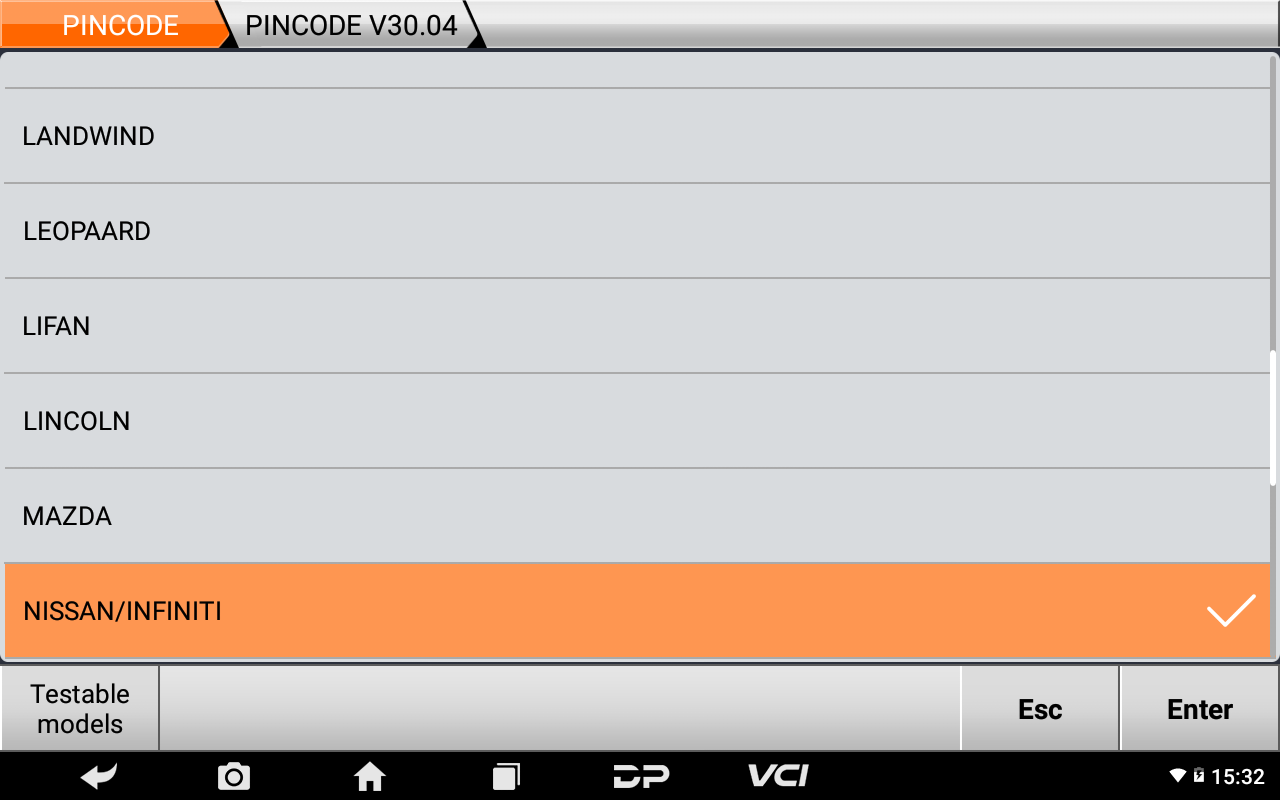
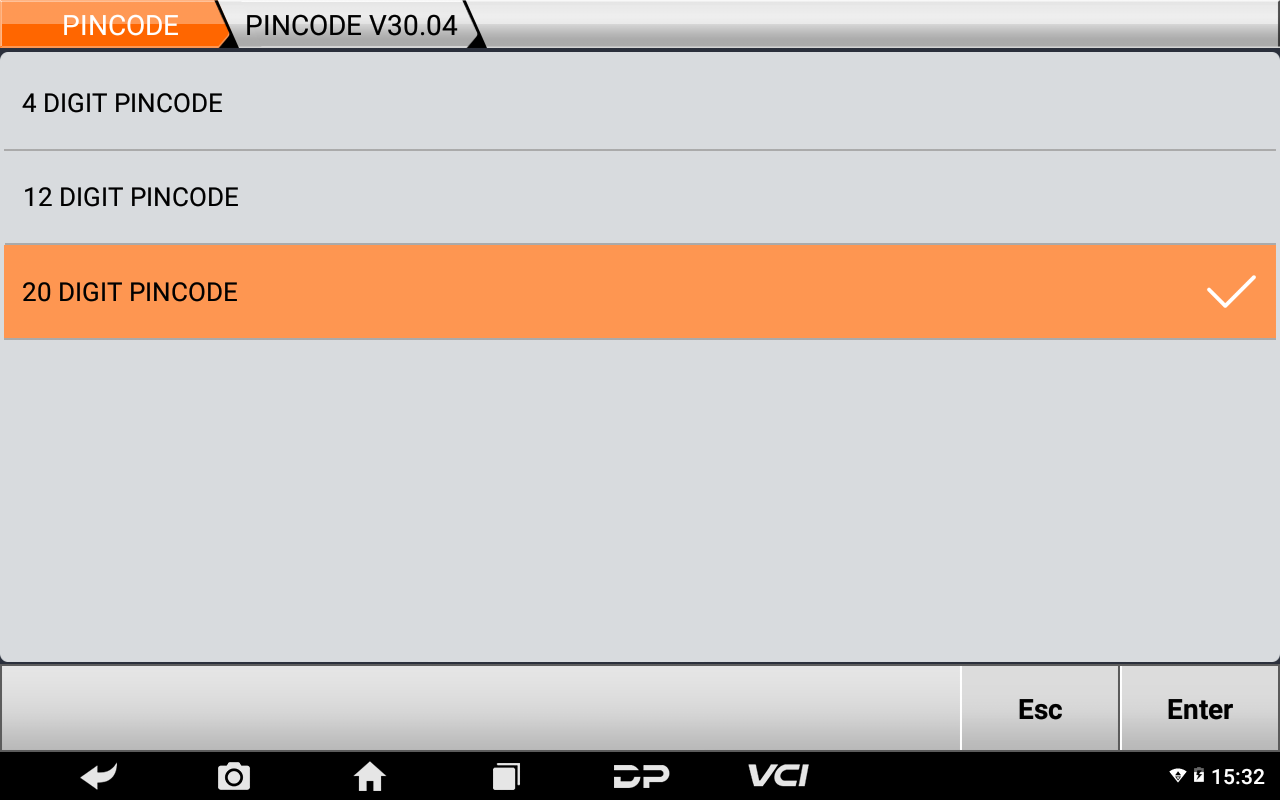
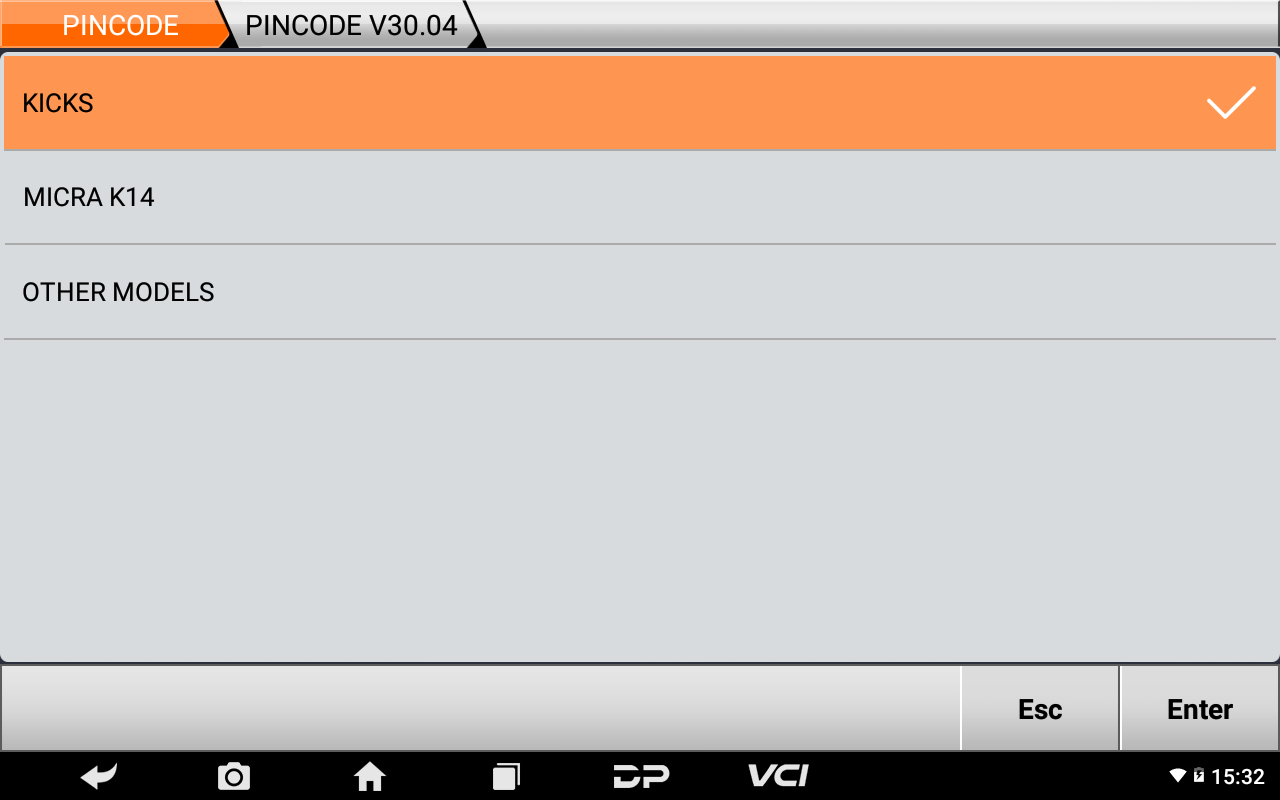
⑤Click【Enter】;
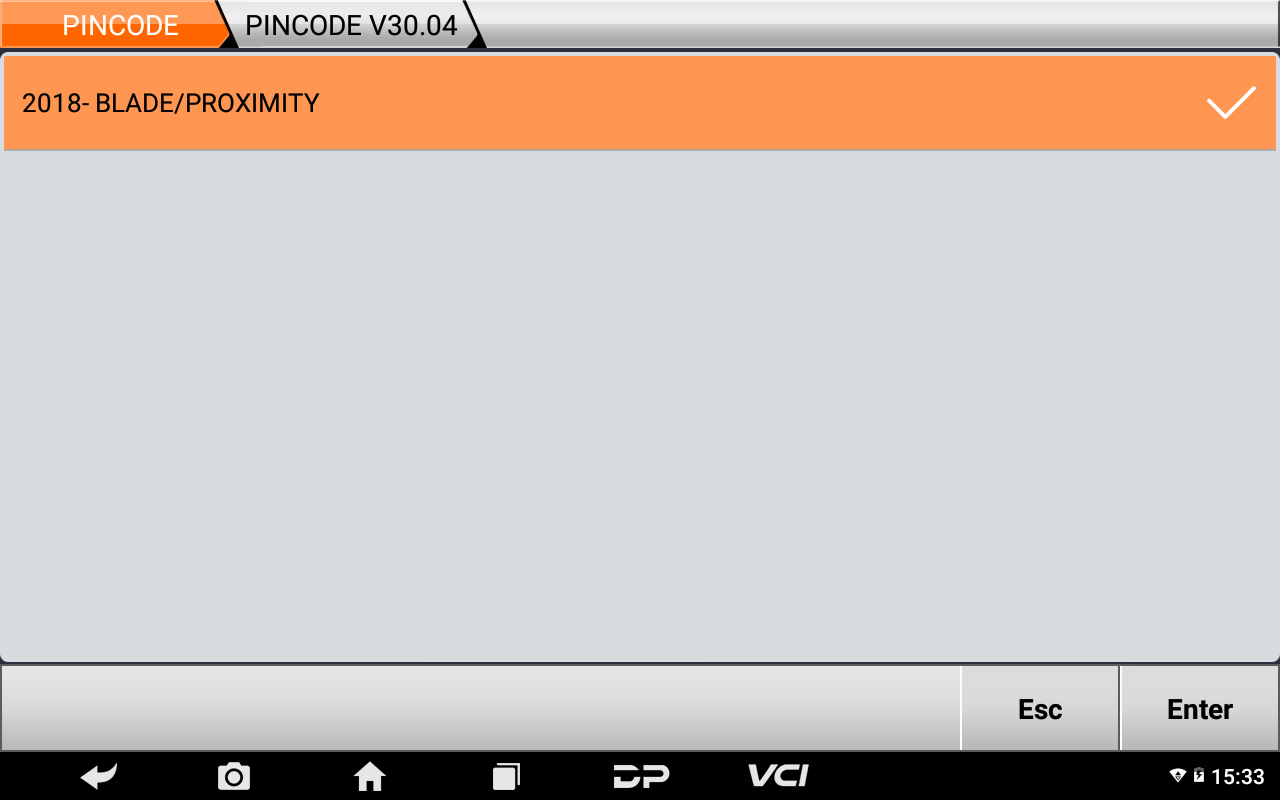
⑥Read note, click【Enter】;
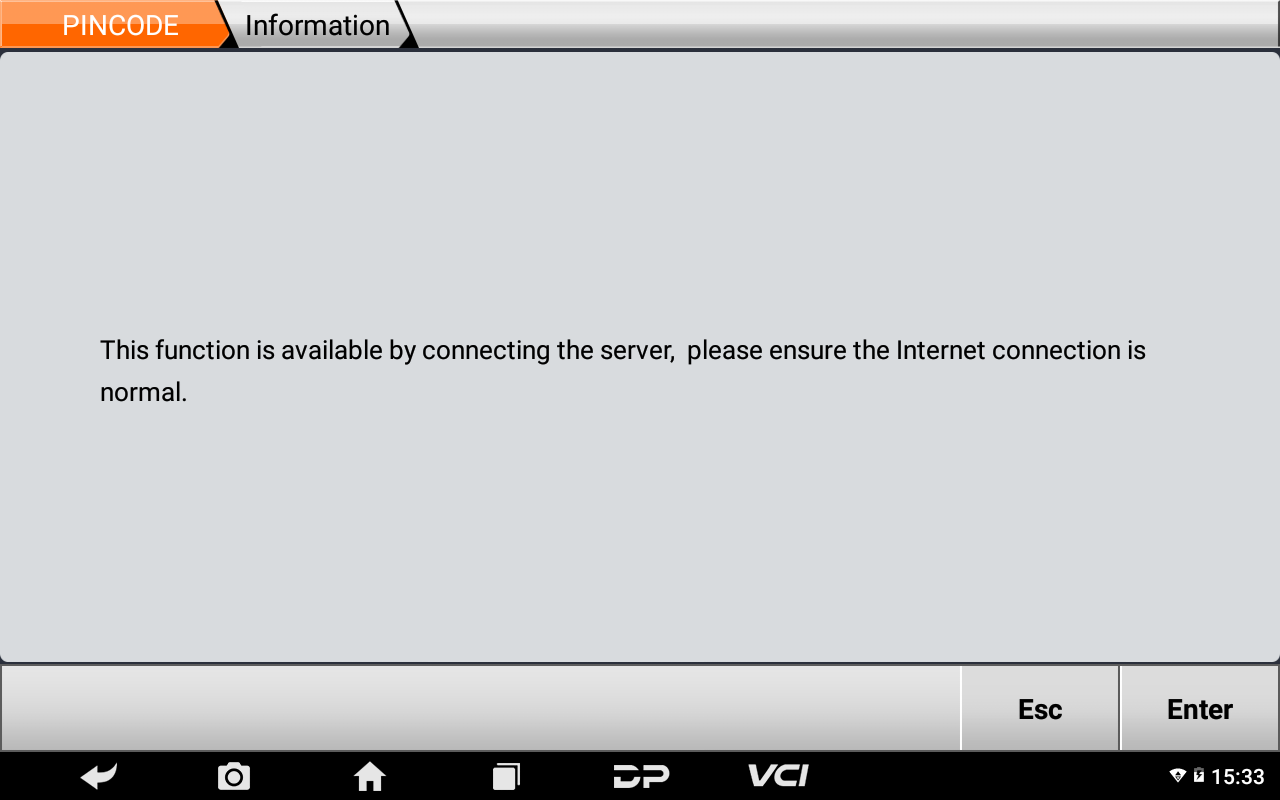
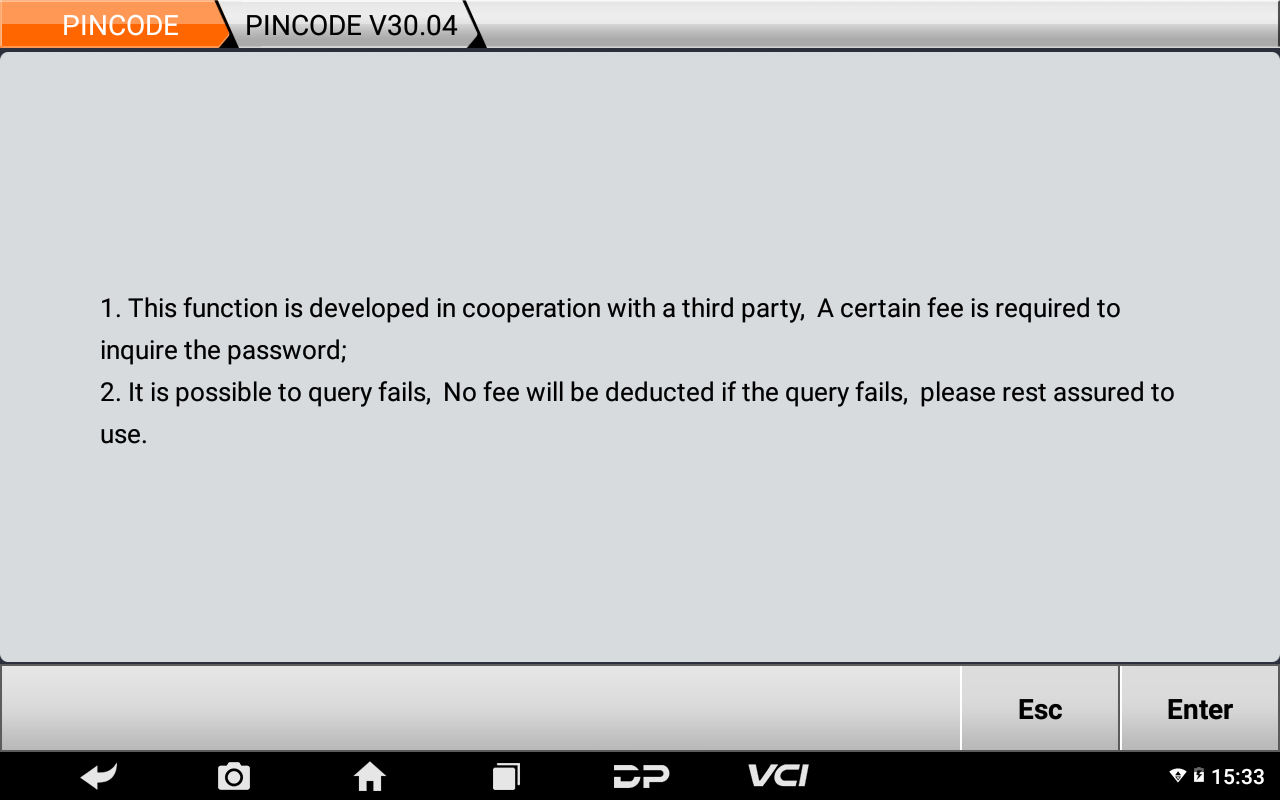
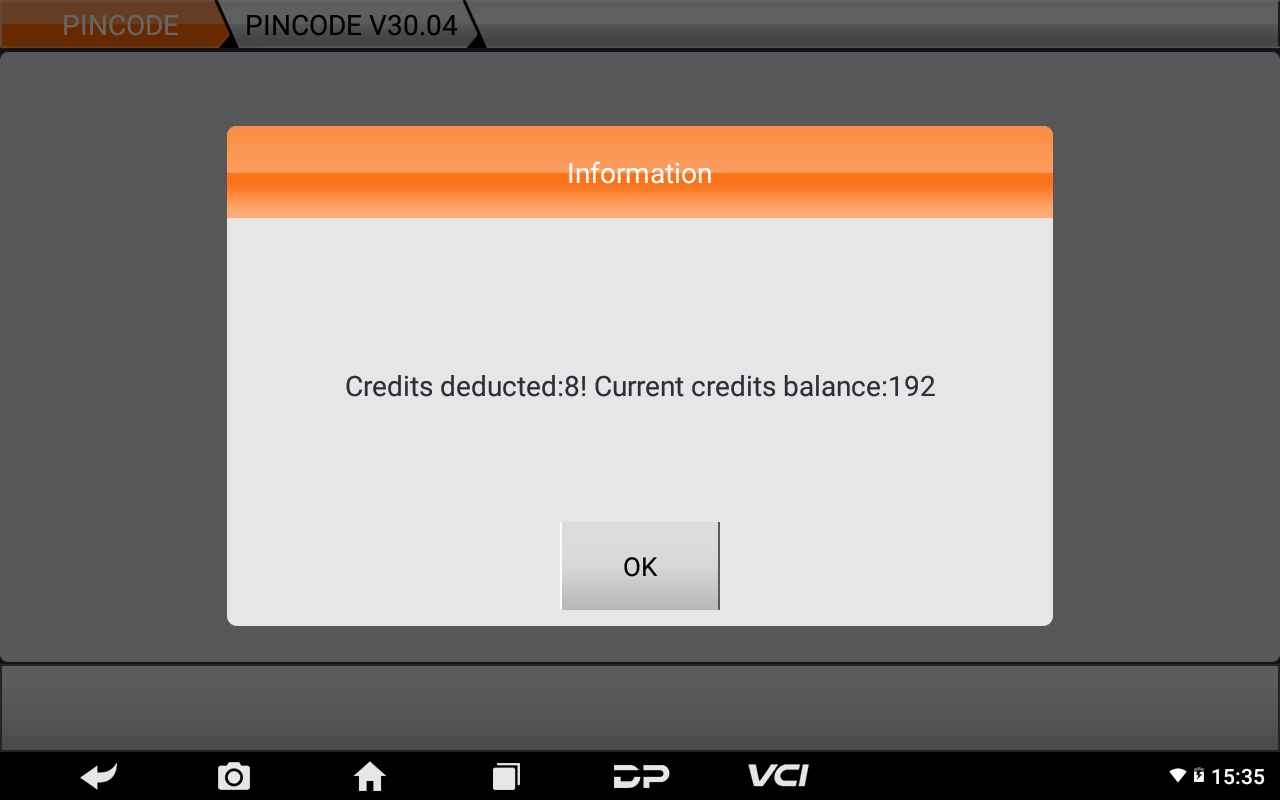
⑦Checking pincode requires 8 credits each time, click【OK】
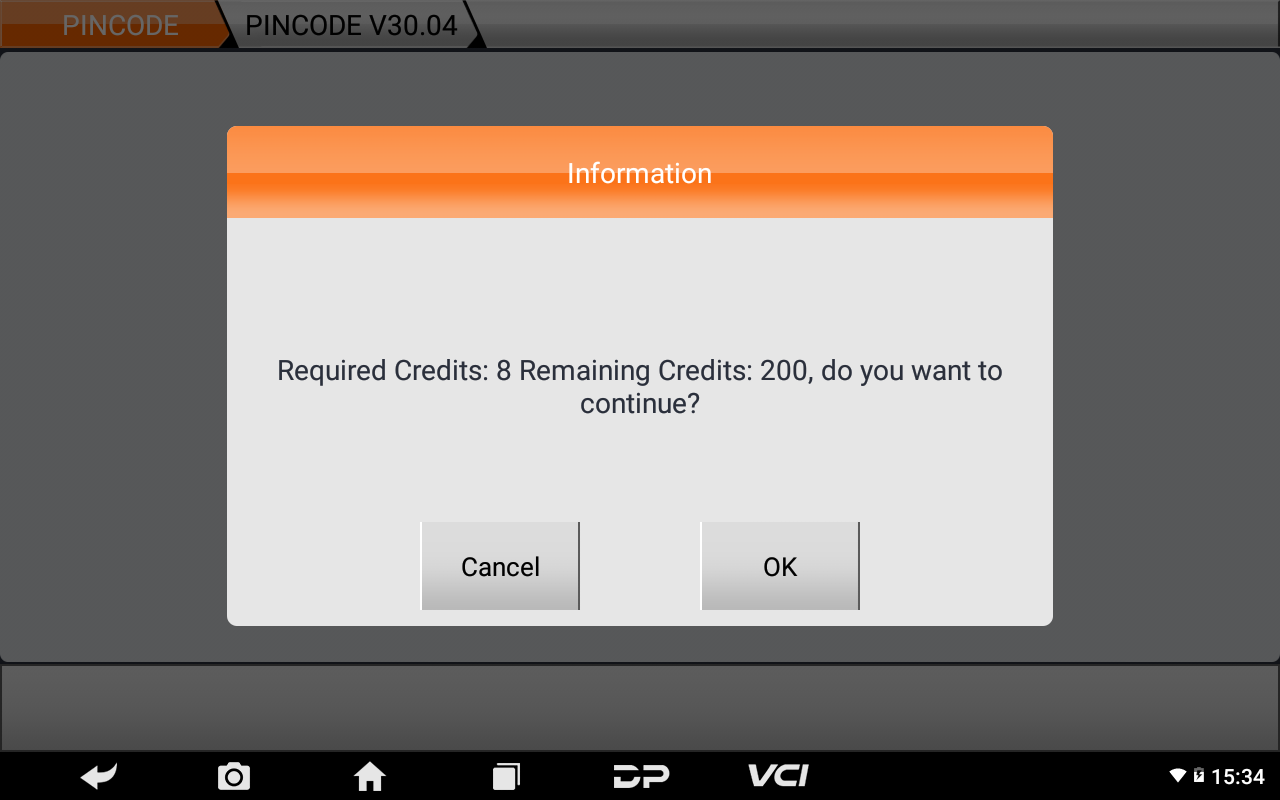
⑧Input 20 digits ID code reading out by the device from other manufacturer, click【Enter】;
Remarks:20 digits ID code(actual 22 digits, but only input the first 20 digits).
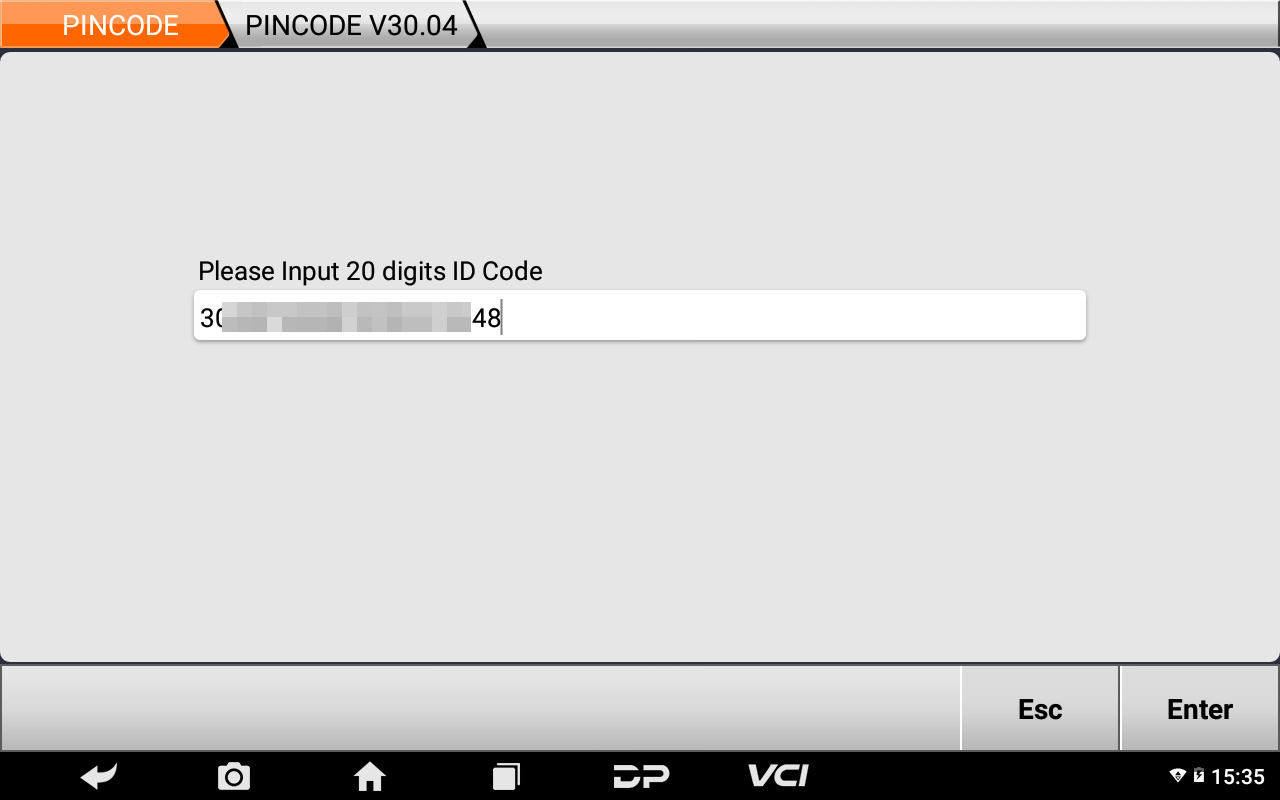
⑨Confirm 20 digits ID code, click【Enter】;
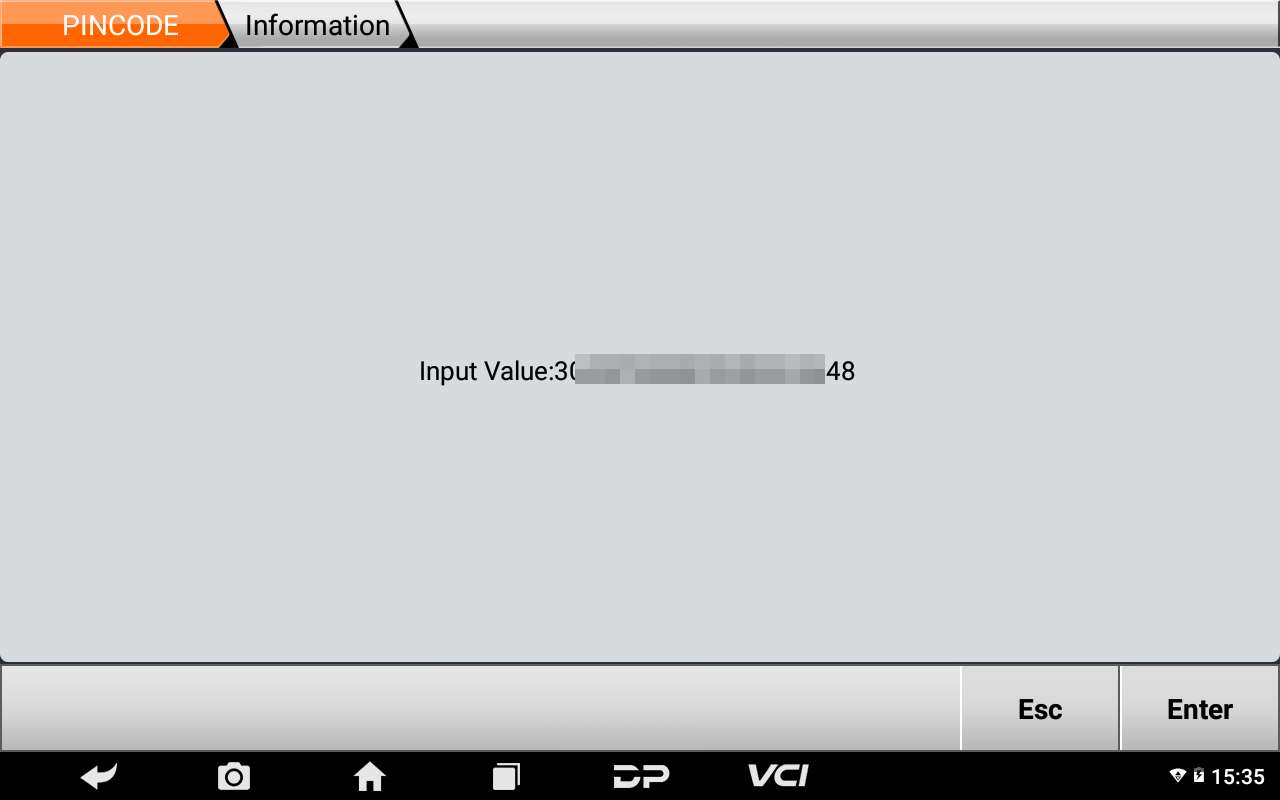
⑩Check successfully, 8 credits deducted, click【OK】;
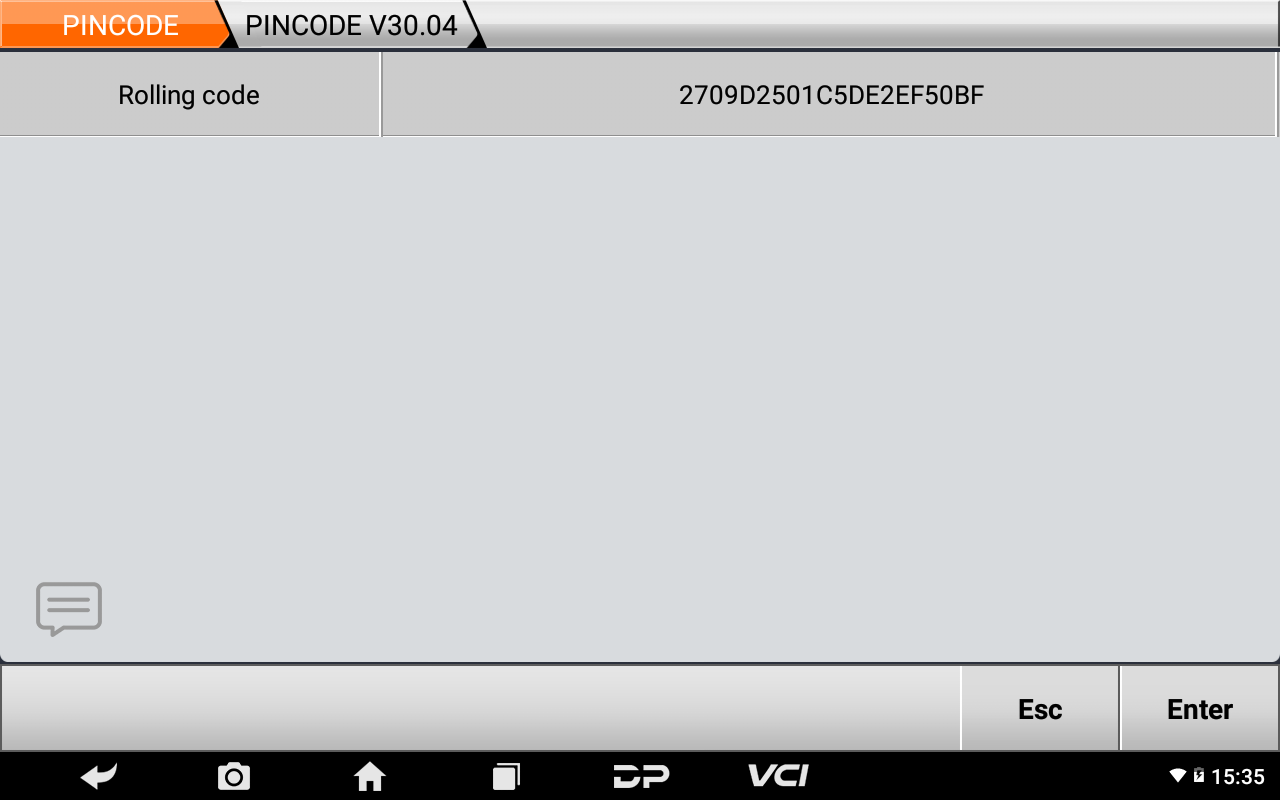
⑪Rolling code has been calculated out successfully.
Remarks: Input rolling code calculated into the device of other manufacturer.
Done !
Obdstar.co.uk team